Rolling out These steps use the new HomecareOS screens, which are being switched on agency by agency. If your screens look different, call us on 01905 674704 and we will walk you through it.
Steps
Open the visit
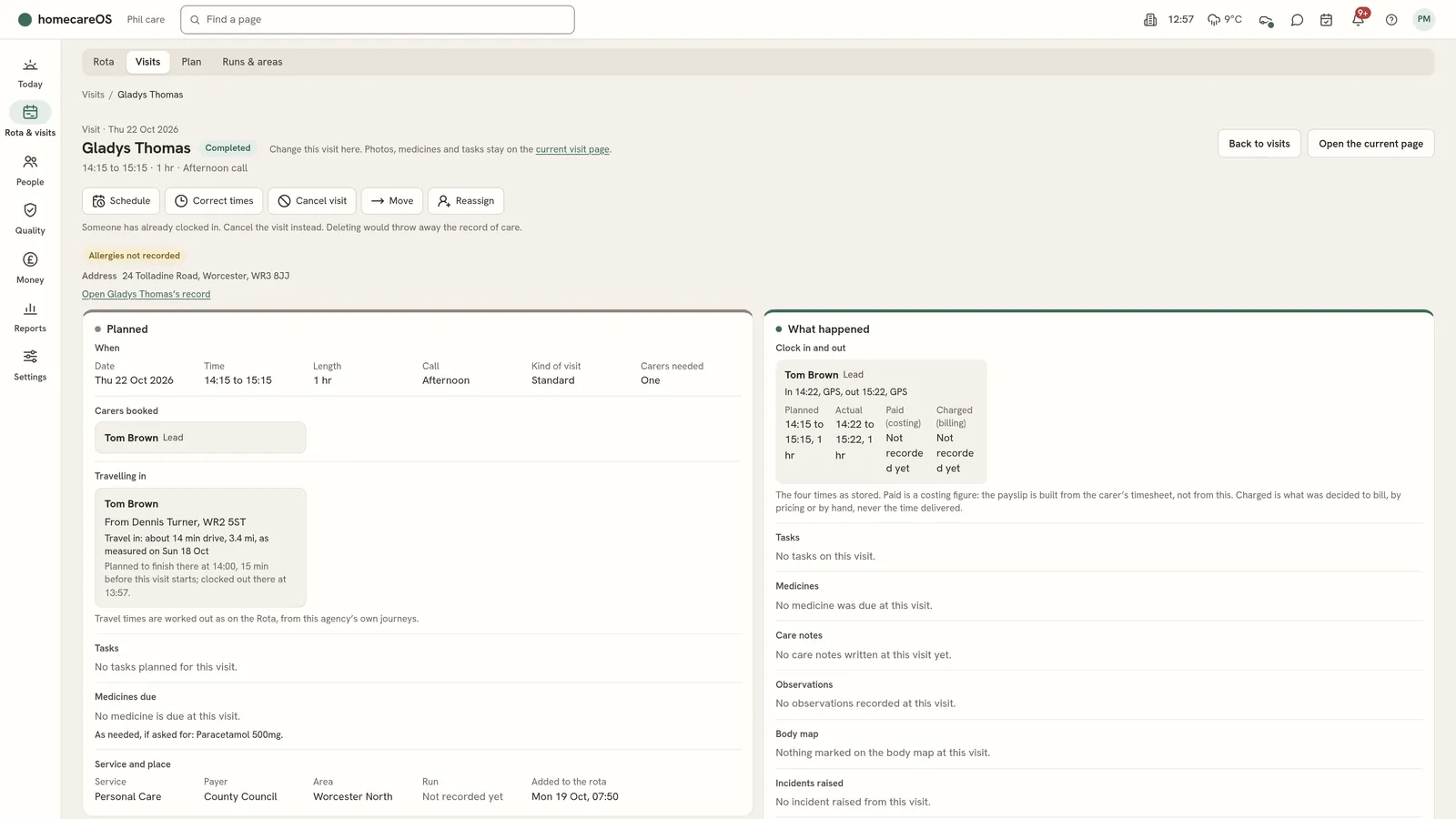
From Rota & visits > Visits, open the visit. The visit card shows its buttons along the top: Schedule, Correct times, Cancel visit, Move and Reassign.
Choose Cancel visit
Choose the reason: Client cancelled, Carer unavailable, No cover available or Other. It is kept on the audit trail.
Choose the charge
Choose No charge, Half charge, Full charge or A set amount in pounds. HomecareOS suggests a full charge under 12 hours before the visit, half from 12 to 24 hours, and none before that.
Choose Cancel this visit
The visit is cancelled and stays on the record with its reason and charge. HomecareOS offers Undo straight after where it can.
Good to know
- If you got the reason or charge wrong, open the cancelled visit again and choose Change reason and charge. You can change the reason and the charge only.
- Delete in error is only for a visit that should never have been booked. Once someone has clocked in, cancel instead.
Further reading
Was this helpful?
Thank you. Glad it helped.
Sorry about that. Tell us what was missing and we will improve this guide.