Live Every agency has this today.
Steps
Open the visit
Tap the visit in your list when you arrive.
Tap Clock in
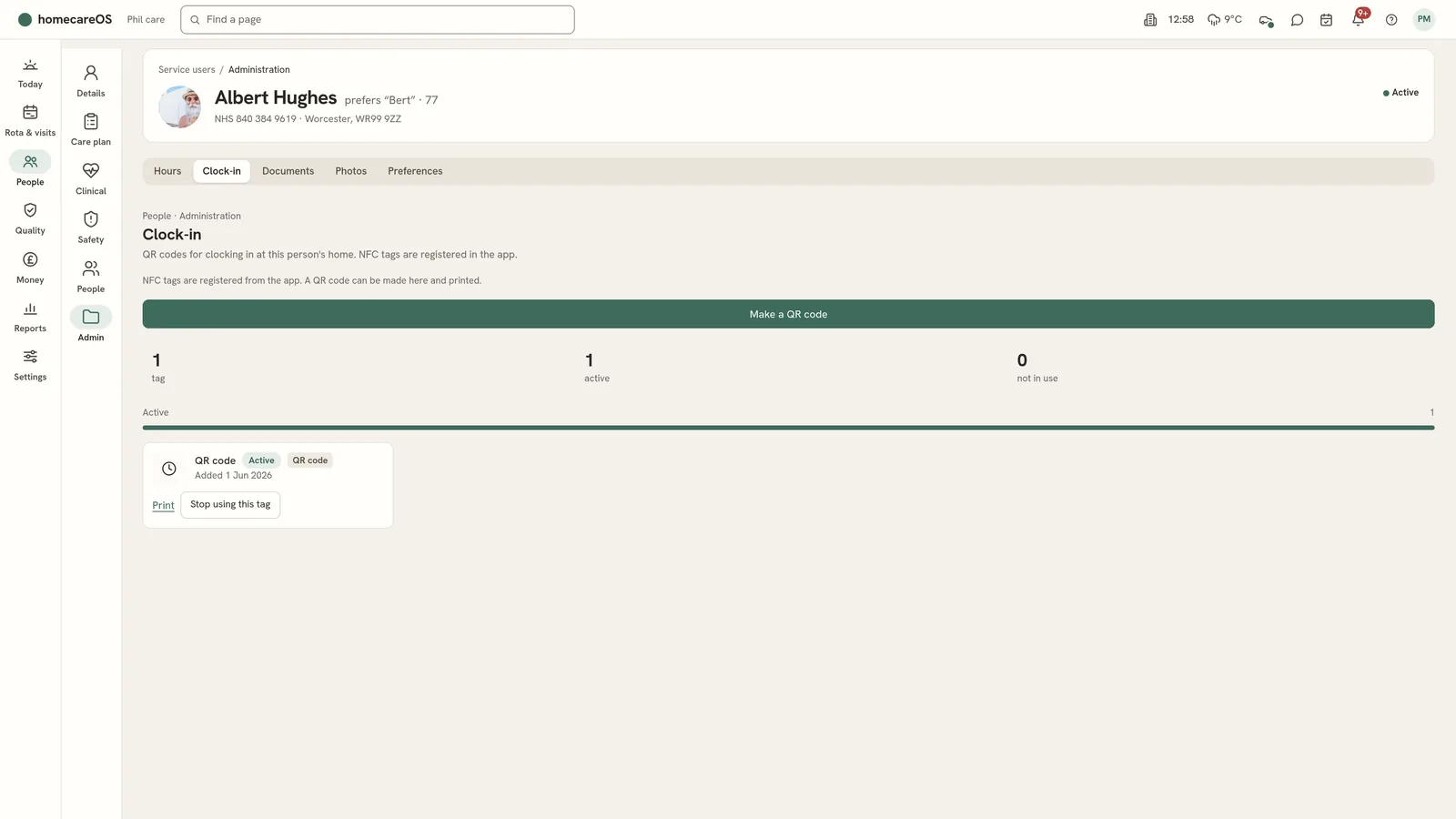
If the home uses a QR code or NFC tag, the app asks you to scan it. Otherwise it finds your location.
Confirm
With location, wait while the app finds where you are, then confirm. If your location cannot be found, the app may offer to clock in without it. The office can see that it was clocked in without a location.
Do the visit
Work through the tasks, notes and medicines.
Tap Clock out
If any tasks are not done, the app lists them under Before you go. Finish them, or say why you are finishing without them.
Confirm the clock out
The visit shows as complete.
Good to know
- No signal? The app keeps your clock in and out and sends them when signal returns.
Further reading
Was this helpful?
Thank you. Glad it helped.
Sorry about that. Tell us what was missing and we will improve this guide.